What is hospital management software? A complete guide (2026)
What hospital management software actually is, the core modules every HMS needs, the benefits, and a practical checklist for choosing the right system.
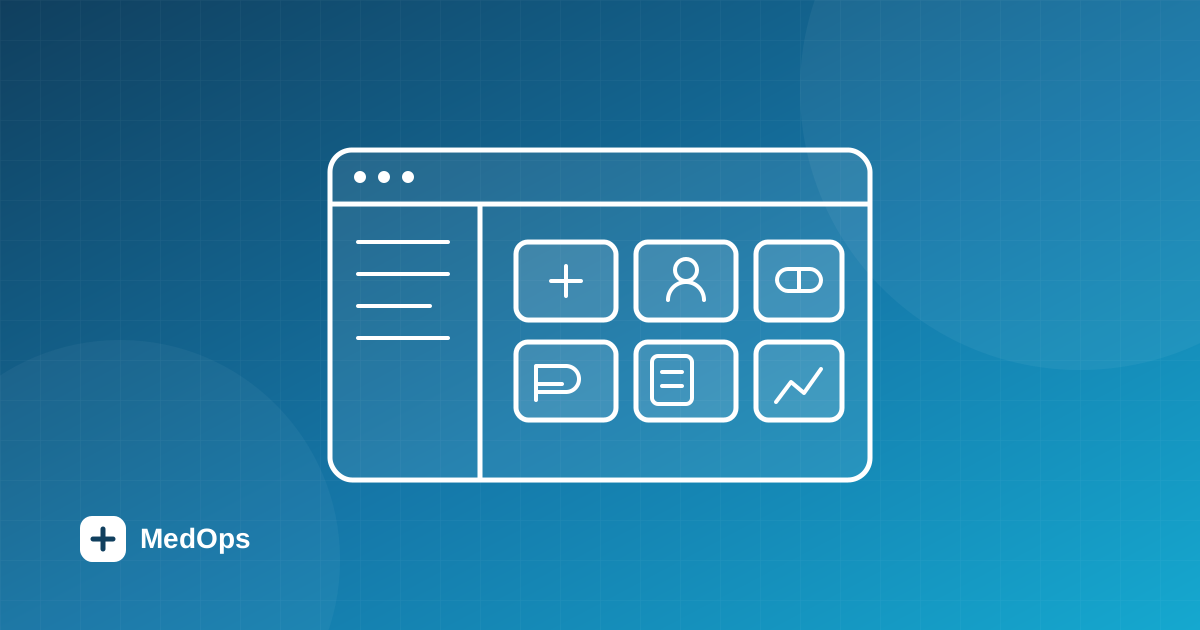
Hospital management software (often called a hospital management system, or HMS) is the platform a hospital or clinic uses to run its day-to-day clinical and administrative work — from registering a patient and booking an appointment to dispensing medicine, admitting an inpatient and raising the bill — all from one connected system instead of a drawer full of disconnected tools.
If you are evaluating hospital management system software for the first time, the category can feel crowded and full of jargon. This guide breaks it down plainly: what an HMS is, the modules that matter, the benefits you should expect, and a checklist for choosing one.
What is hospital management software?
At its simplest, hospital management software is a single source of truth for everything that happens in a hospital. A patient record created at the front desk is the same record the doctor opens in the consultation room, the pharmacy sees when dispensing, and the billing desk uses to raise an invoice. Nothing is re-keyed, nothing drifts out of sync, and every action is traceable.
You will also see the term hospital management information system (HMIS). In practice the terms overlap: an HMIS emphasises the reporting and information side, while "hospital management software" is the broader name for the whole operational platform. MedOps is both — an operational system of record with tenant-scoped reporting and audit built in.
The core modules of a hospital management system
A complete HMS is really a set of connected modules sharing one patient record and one permission model:
- Patient registration & records — demographics, a unique medical record number (MRN), and a full visit history.
- Appointments & scheduling — outpatient booking with conflict checking against each doctor's availability.
- Consultations & e-prescriptions — clinical notes, diagnoses and prescriptions generated at the point of care.
- Inpatient (IPD) management — a facility hierarchy of floors, rooms and beds, transactional admissions, doctor rounds and discharge.
- Pharmacy & inventory — a medicine catalogue, stock-in, dispensing and GST-ready invoicing.
- Billing — consultation and pharmacy charges with clear paid/unpaid status, money stored to the exact paisa.
- Roles & access control — least-privilege permissions for admins, doctors, nurses, operations and pharmacy staff.
- Audit & reporting — a tenant-scoped log of significant actions for security and compliance.
See how these fit together on the features page and the platform overview.
Why hospitals move to dedicated software
- Fewer errors. Structured, legible records remove the ambiguity of handwriting and re-keyed data — a real patient-safety gain.
- Speed. A patient's history, vitals and prescriptions are available instantly to any authorised clinician across branches.
- One connected workflow. A completed consultation can generate the prescription and the bill together, and route the prescription to the pharmacy counter — no duplicate work.
- Accountability. Every meaningful change is attributable, which matters for both internal governance and external compliance.
- Scale. Good multi-tenant software lets one organisation run many hospitals and branches under a single account.
Cloud vs on-premise
Modern hospital management software is usually delivered as a secure web application (SaaS): no servers to maintain, automatic updates, and access from any authorised device. On-premise deployments still exist where data-residency rules demand it, but they carry far higher maintenance and security burden. MedOps is a cloud-native, web-based HMS with AES-256 encrypted sessions and role-based access by default — read more on the security page.
How to choose the right HMS
A quick checklist when comparing systems:
- Does it cover your whole workflow — OPD, IPD, pharmacy and billing — or just part of it?
- Is it genuinely multi-hospital if you plan to grow?
- How is access controlled? Look for fine-grained, role-based permissions, not all-or-nothing logins.
- Is it audit-ready with a tamper-evident log of who did what?
- Does the pricing match your usage rather than forcing a large fixed plan? (MedOps uses usage-based pricing with a free starting tier.)
- India-specific: does it handle GST invoicing and ABHA/ABDM facility identifiers out of the box?
For a deeper buyer's walkthrough, see how to choose the best hospital management software in India, and if you are scoping a build or RFP, our SRS template for a hospital management system.
Where MedOps fits
MedOps is multi-tenant hospital management software that unifies patients, appointments, consultations, inpatient care, pharmacy and billing for one hospital or a whole network — with capability-based access control and full audit logging built in. Want to see it on your own workflows? Book a demo and we'll spin up a seeded environment for your roles.
More from the blog
 Design
The Steel Medical palette: a design language for MedOps HMS
How every color token in the Steel Medical theme was chosen to reflect the precision, trust and humanity of modern healthcare.
 Buyer's Guide
Best hospital management software in India (2026): a buyer's guide
There is no single "best" HMS — only the best for your hospital. Here are the criteria, the free-vs-paid trade-offs, and the India-specific features to insist on.