Multi-tenancy in healthcare software: one platform, many hospitals
A tenant owns one or more hospitals; every record is scoped beneath it. Here's how that single decision shapes data isolation, onboarding and day-to-day operations.
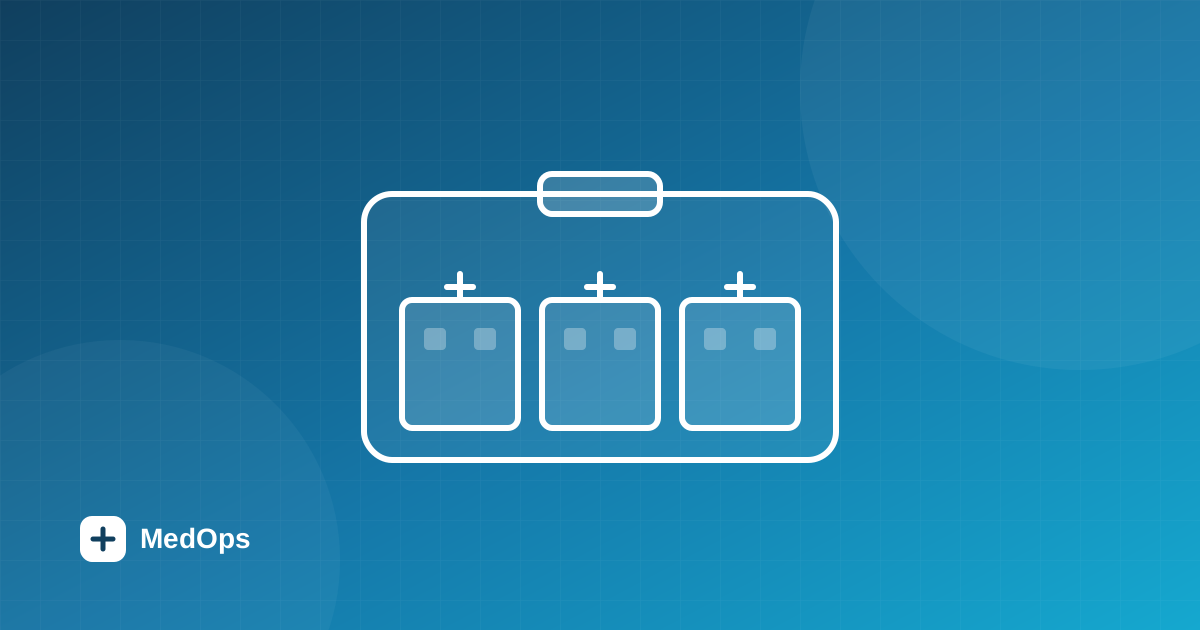
“Multi-tenant” is one of those words that gets printed on every SaaS landing page and explained on almost none of them. For a Hospital Management System it isn't a buzzword — it's the decision that shapes data isolation, onboarding, billing and the blast radius of every bug. Here's how we think about it at MedOps.
One tenant, many hospitals
In MedOps, the top-level object is the tenant — the hospital administration organisation. A tenant owns one or more hospitals, each of which can have branches and departments. Every other record in the system — users, patients, doctors, appointments, admissions, prescriptions, bills — lives beneath a tenant, and usually beneath a specific hospital.
That hierarchy is simple to draw and surprisingly powerful in practice:
- Tenant → the organisation that signs up and pays.
- Hospital → a facility, with its own letterhead, GSTIN, logo and departments.
- Everything else → scoped to a tenant, and tagged to a hospital where it makes sense.
Why scope every record?
The alternative — a separate database per customer — is tempting because isolation feels obvious. But it multiplies operational cost: every migration, backup and deploy happens N times, and cross-hospital features (a group-wide dashboard, shared medicine catalog) become awkward. A well-scoped shared schema gives you the isolation guarantees you actually need while keeping a single system to reason about.
The key is discipline. In MedOps, scoping is not optional or sprinkled in by hand:
- Every query is constrained by the authenticated user's tenant before it touches a table.
- Hospital filters are first-class — list endpoints accept a hospital filter and are server-paginated.
- Clinical roles get a lightweight
/optionsendpoint for hospital dropdowns, so the UI never has to load the full management view just to pick a facility.
The boundary you draw on day one becomes the boundary every future feature has to respect. Scope deliberately, and enforce it in one place.
Onboarding follows the hierarchy
Because the model mirrors how hospital groups actually work, onboarding does too. A Tenant Admin signs up, verifies their email with a one-time code, and creates their first hospital. From there they add departments inline, configure hospital settings, onboard doctors with their specialisation and registration details, and invite the operations team. Each new hospital slots neatly under the same tenant — no new environment, no data migration.
Isolation without a performance tax
Sharing a schema doesn't mean sharing a blast radius. Tenant scoping plus capability-based access control means a user only ever sees rows that belong to their organisation and that their role is permitted to read. Combined with server-side pagination and targeted indexes, a hospital with a million patient records pays for its own data — not its neighbours'.
The payoff
Multi-tenancy done well is invisible to the people using the product. A front-desk operator in one branch and a doctor in another both feel like they're using a system built just for them — while the group's administrators get a single, consistent place to manage every facility. That's the whole point: one platform, many hospitals, with the boundaries enforced quietly underneath.
Want to see how it maps to your group's structure? Book a demo and we'll model it with you.
More from the blog
 Design
The Steel Medical palette: a design language for MedOps HMS
How every color token in the Steel Medical theme was chosen to reflect the precision, trust and humanity of modern healthcare.
 Guide
Guide
What is hospital management software? A complete guide (2026)
What hospital management software actually is, the core modules every HMS needs, the benefits, and a practical checklist for choosing the right system.